
Two levels of storage location optimization for different warehouse requirements
ABC analysis is one of the most widely used methods in inventory management, and it did not originate with automated storage systems. It applies the Pareto principle to logistics, whereby a relatively small number of elements accounts for most warehouse movements.
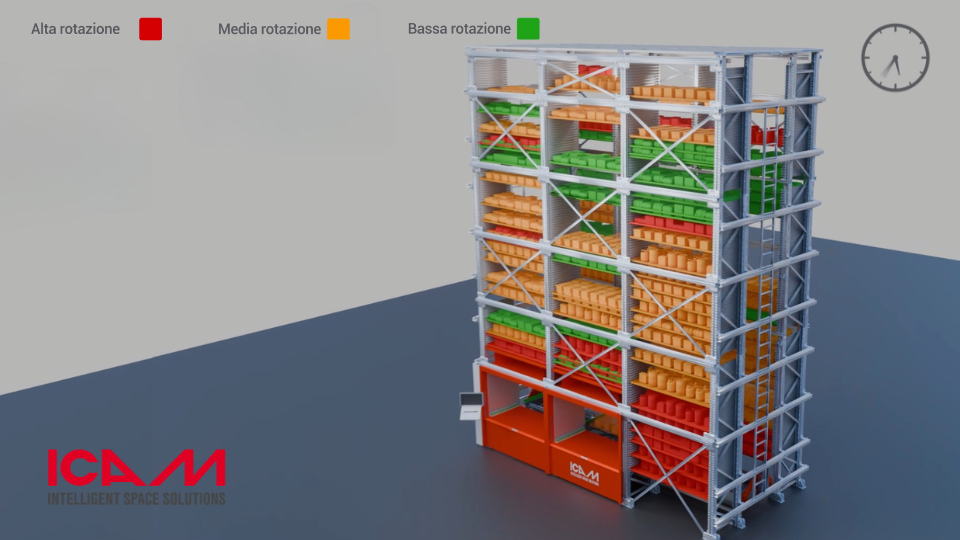
In practice, when ABC classification is based on picking frequency, trays or items classified as “A” are those accessed most often, “B” indicates medium-frequency inventory, while “C” identifies trays or items that are rarely handled. When applied to a vertical storage system, this ABC logic makes it possible to keep frequently accessed inventory in the most efficient storage locations, helping reduce system cycle times.
In a vertical storage system, retrieval time largely depends on the distance the elevator has to travel to reach the required tray. The farther the tray is from the picking station, the longer each operation takes. ABC logic helps reduce retrieval times by dynamically moving high-frequency trays to storage locations closer to the picking station, while requiring no manual intervention from the operator.
In ICON software, this ABC classification logic is available at two different levels, designed to meet different requirements depending on the complexity of the warehouse and the inventory being managed.
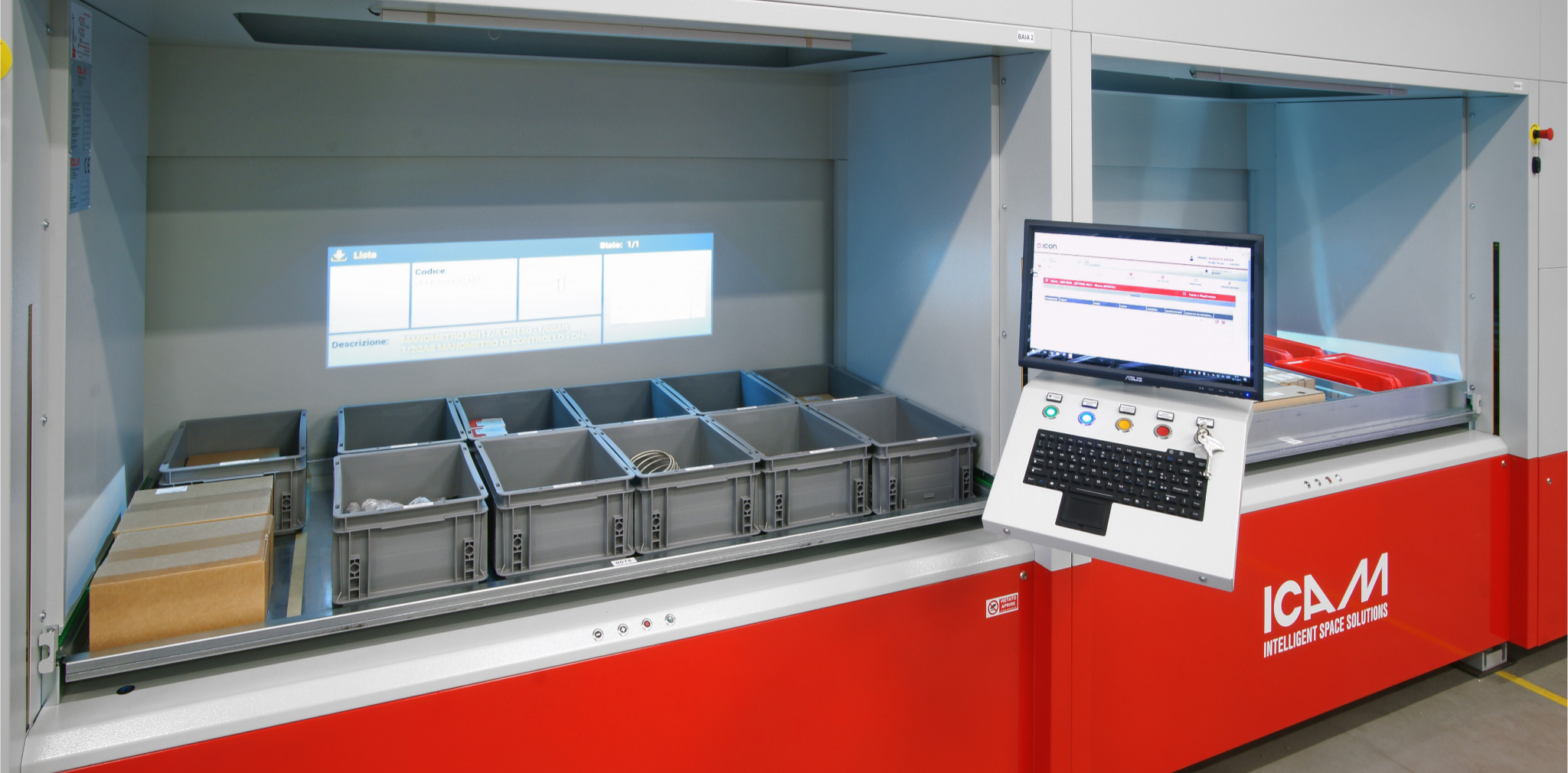
ABC tray classification, included in all ICON packages
Starting from the entry-level version, ICON applies ABC logic to the trays in the vertical storage system. The software monitors the picking frequency of each tray and automatically repositions the most frequently accessed trays closer to the picking station, while less frequently accessed trays are moved to more distant storage locations.
This repositioning takes place dynamically, based on actual inventory movement data recorded by the software, with no need for operators to plan or manage it manually.
ABC tray classification is enabled by default in ICON Zero, ICON Basic and ICON Pro. It does not require a specific software package or additional configuration and is designed to provide an immediate benefit for any ICAM vertical storage system, regardless of the ICON package selected.
ABC Tray Classification
Item-Level ABC Classification, Available with ICON Pro
ICON Pro extends the same ABC logic to a more granular level: from the tray as a whole to the individual item.
This distinction becomes particularly relevant when a single tray contains several different SKUs with widely varying picking frequencies — a common situation in warehouses managing thousands of references, such as spare parts, components or pharmaceutical products.
With item-level ABC classification, ICON Pro takes into account the picking frequency of each individual SKU, even when it shares a tray with items that have very different movement frequencies. Fast-moving items are given priority within the positioning logic, helping further reduce the small search and picking times that can add up significantly over the course of a working day.
The practical difference: ABC tray classification optimizes where the tray is located in relation to the picking station. Item-level ABC classification optimizes where each individual SKU is located within the tray itself. This additional level of precision becomes increasingly valuable as the variety of SKUs grows.
A Practical Example: Consider a spare parts warehouse managing 2,000 different SKUs across several hundred trays. With ABC tray classification, the system positions the trays containing the most frequently requested spare parts closer to the picking station. But if the same tray contains both a fast-moving spare part and another that is rarely requested, tray-level ABC classification alone cannot distinguish between them: they are treated as a single unit. Item-level ABC classification, available with ICON Pro, addresses precisely this situation by managing priority at individual SKU level rather than considering only the physical tray.
When do you need ICON Pro?
If a warehouse manages a few hundred SKUs with relatively similar picking frequencies, ABC tray classification — already included in every ICON package — can provide most of the potential benefits.
If, on the other hand, the warehouse manages thousands of SKUs with widely varying picking frequencies, often because trays are shared across different product families, the item-level ABC classification available with ICON Pro enables more granular storage optimization, with a direct impact on overall picking times.
Industries such as spare parts distribution, pharmaceuticals and electronics, where thousands of SKUs with very different movement and picking frequencies may share the same storage space, are among those where upgrading to ICON Pro can deliver the clearest benefits.
ABC analysis also provides valuable inventory insights
ABC classification is not only about physically repositioning trays. The inventory movement data behind the classification also provides a valuable tool for analysis and reporting.
Knowing which items actually belong to classes A, B or C can help companies define more accurate replenishment policies and identify inventory that has remained in storage for a long time and may need to be reviewed.
With ICON Pro, where ABC analysis reaches individual item level, this overview becomes more detailed and provides useful insights for purchasing and inventory planning, not just day-to-day warehouse operations.
FAQ – Frequently asked questions
ABC tray classification is included in all ICON packages, including ICON Basic. Item-level ABC classification is a specific feature of ICON Pro.
ABC tray classification optimizes the position of the tray as a whole based on its overall picking frequency. Item-level ABC classification optimizes the position of each individual SKU, even when it shares a tray with items that have different movement frequencies.
Repositioning takes place dynamically and automatically, based on the inventory movement data recorded by the software, with no manual planning required from the operator.
It depends on item picking frequency. If picking frequencies are similar, ABC tray classification is often sufficient. With many SKUs showing different picking frequencies, even within the same tray, ICON Pro provides more precise optimization through item-level ABC classification.
It is particularly useful in warehouses managing large numbers of SKUs with widely varying picking frequencies, such as spare parts, pharmaceuticals and electronics.
The ABC logic is based on inventory movement data collected by the software during warehouse operations, so operators do not need to manually classify
Want to find out which software package best suits your needs?
Let’s talk: together, we can analyse your SKU variety and picking frequencies to identify the most efficient solution.
You may also be interested in
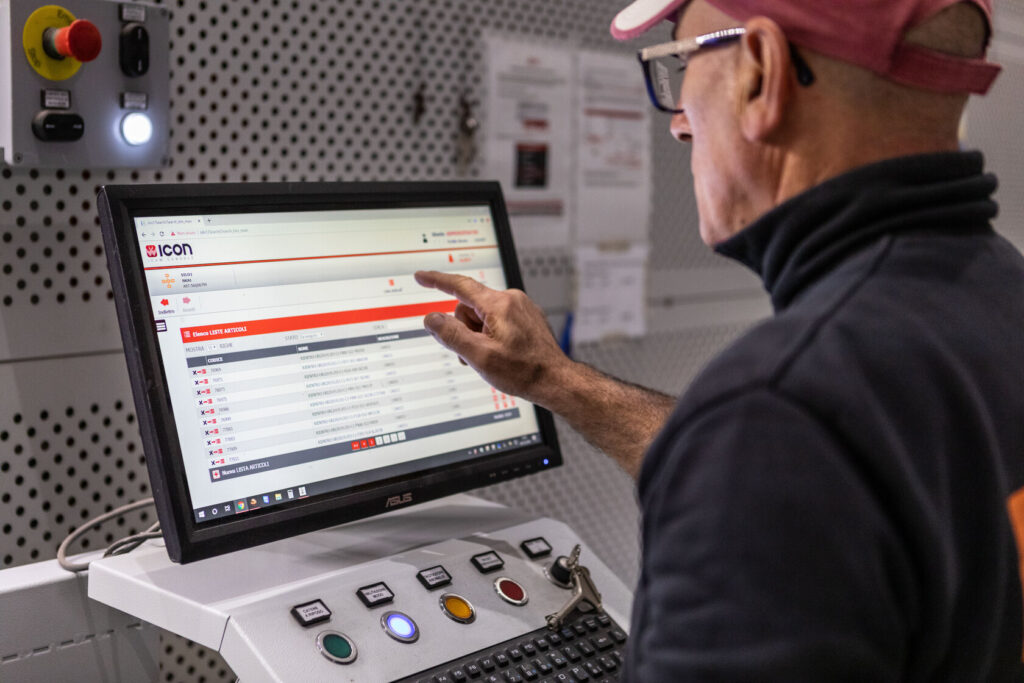
ICON, the management software for ICAM automated storage systems
ICON is ICAM’s proprietary software for managing, monitoring and controlling every automated storage system in the range in real time.
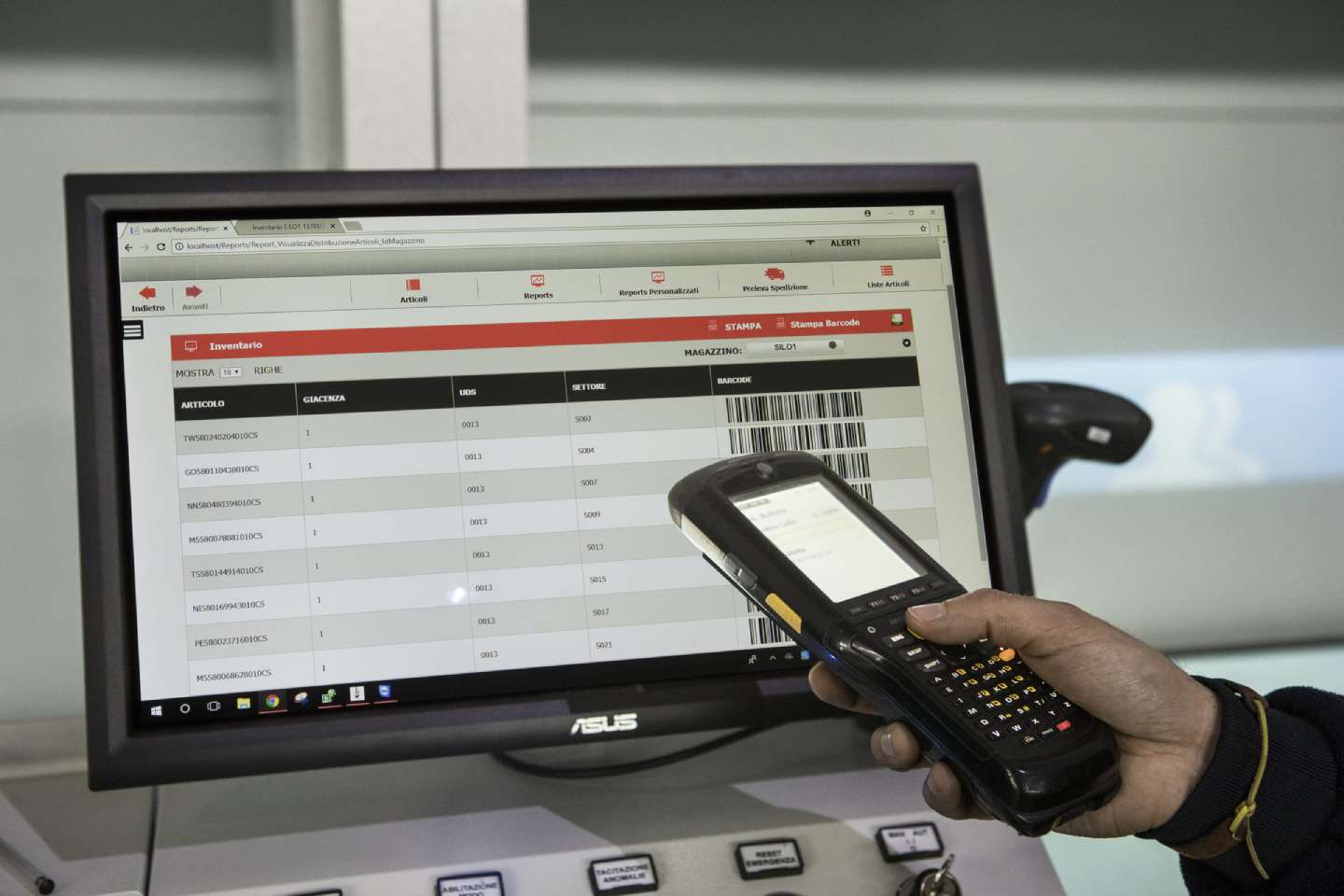
Automated warehouse software and integrated WMS
Implementing automated warehouse software and a Warehouse Management System (WMS) is a critical step in optimizing warehouse operations. A WMS provides a comprehensive range of functionalities to enhance efficiency and accuracy
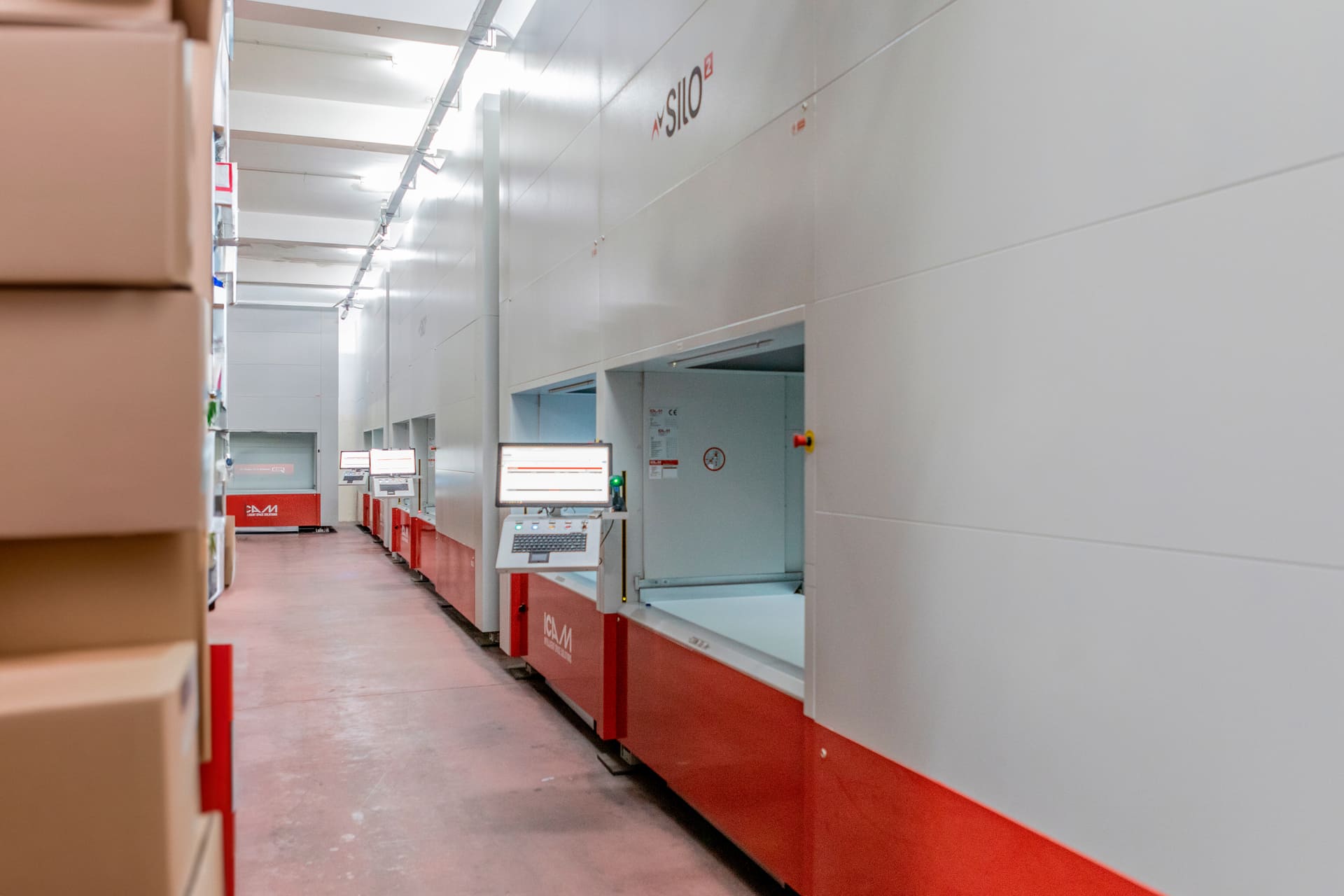
SILO² VLM: complete guide to choosing the right configuration for materials, space, and business goals
Choosing the right configuration of a SILO² Vertical Lift Module (VLM) is essential to unlock the full strategic benefits of warehouse automation.