
Proprietary management software that works with your existing systems
ICON is ICAM’s management software for automated storage systems. It is available with different levels of functionality. ICON Zero is integrated into every ICAM system, where it controls machine operations and enables connectivity with external ERP and WMS systems. ICON Basic and ICON Pro add warehouse management capabilities. This means ICON can either integrate into an existing IT infrastructure or support companies that do not have a dedicated WMS. ICON is offered under a perpetual license, with no recurring subscription fees.
When considering an automated storage system, one question often comes up even before tray sizes, load capacities or system height: will the software tie the company to a specific supplier, or can it integrate with the systems already in place? It is an important consideration, because software can determine whether an investment in automation fits smoothly into existing business processes or makes them more complex. With ICON, ICAM’s proprietary management software for its automated storage systems, the answer is straightforward: proprietary does not mean closed.
Why software integration matters more than you might think
An automated storage system never operates in isolation. It may receive orders from an ERP, send inventory data to an e-commerce platform, or exchange information with production or inventory management systems. If the software managing the storage system cannot communicate with these systems, the result is an IT silo: duplicate data entry, discrepancies between physical and system inventory, and advanced automation that ends up slowing processes down rather than making them more efficient. This is why, when evaluating an automated storage solution, many companies want to know whether the warehouse software can effectively connect with their existing systems without creating long-term technology lock-in.
ICON was designed with this need in mind. Developed and maintained by ICAM, it is proprietary software built to integrate with external systems and work within the company’s existing IT infrastructure.
ICON Zero: the firmware integrated into every ICAM automated storage system
ICON Zero is the firmware integrated into every ICAM automated storage system. It manages machine movements and enables basic automation. It is not a software package selected at the time of purchase; it is an integral part of the machine itself.
It works like a PC operating system: it is already present in every installation, cannot be selected and cannot be removed. For companies that already have their own WMS to manage orders, item master data and logistics flows, this basic level provides everything needed to operate the storage system and communicate with the existing system, without requiring an additional software package.
ICON Basic and ICON Pro are added to ICON Zero for companies that need greater intelligence, control and automation. They enhance ICON Zero rather than replace it.
Integrates with the ERP and WMS you already use
ICON provides dedicated interfacing tools for data exchange with ERP and WMS systems. If a company already manages orders, item master data and logistics flows through an existing management system, that system can remain the central platform for planning, while ICON manages automated storage operations and exchanges the information required for material handling processes.
In practice, the existing management system remains the reference point for planning and control, while ICON handles the operational side: turning orders into physical movements within the automated storage system and providing real-time information on stored inventory. This division of roles allows companies with an established IT infrastructure to introduce an automated storage system without having to redesign their existing information system.
No WMS? ICON can work as a light WMS
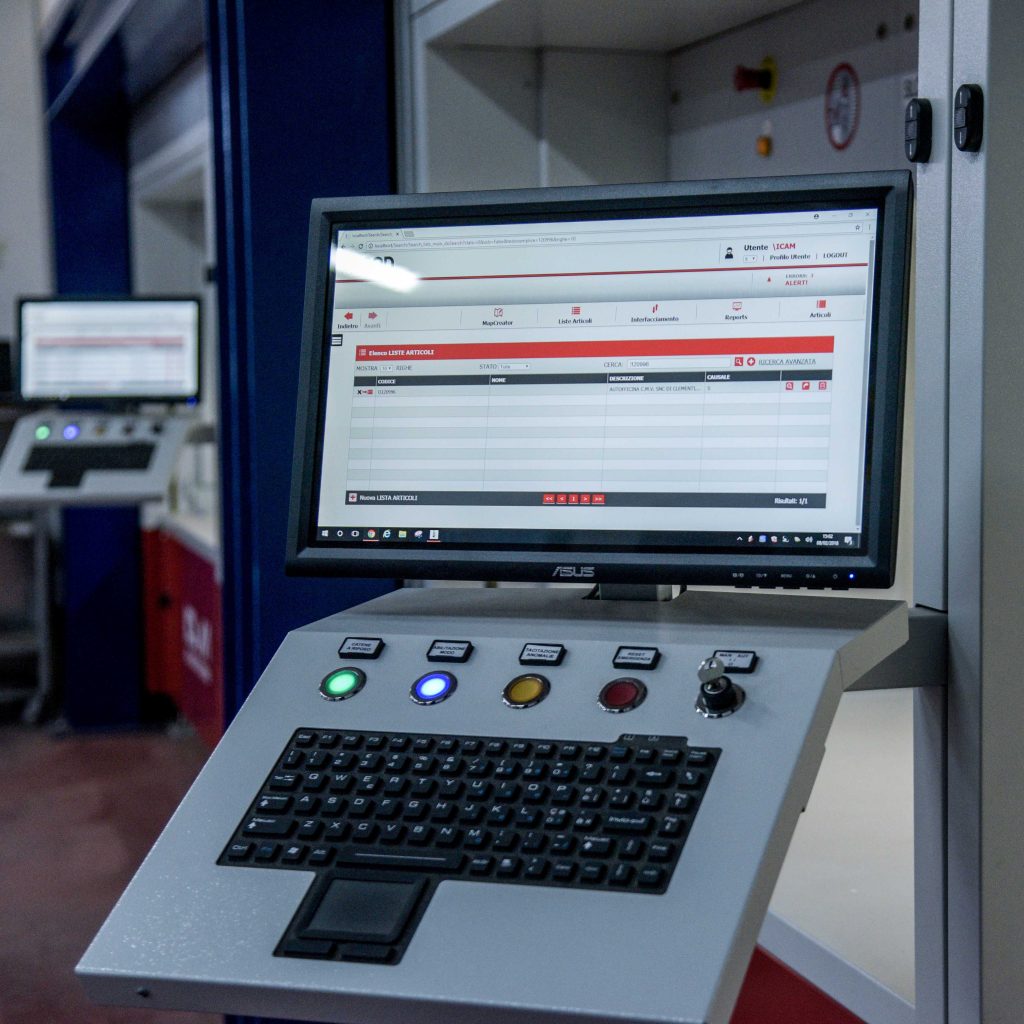
Not every company introducing an automated storage system already has a structured WMS in place. Many businesses, particularly SMEs, still manage warehouse operations using spreadsheets or basic modules within their existing management software. For these companies, ICON Basic and ICON Pro add management capabilities to ICON Zero, allowing ICON to operate as a standalone light WMS. It covers essential warehouse operations without requiring the purchase of separate warehouse management software.
In this configuration, ICON manages storage location assignment, tracks inbound and outbound movements, provides real-time inventory tracking and generates pick lists. It is designed for companies that want the benefits of digital warehouse management without having to implement a separate WMS as part of the same automation project.
The result: the same software platform can support two very different scenarios: an established company with an existing ERP or a business starting without a dedicated WMS. As the company grows, there is no need to change supplier or duplicate software investments.
ICON Zero, Basic and Pro: what’s the difference?
ICON is available in three levels. ICON Zero is the core firmware included in every ICAM automated storage system and already supports low-level interaction with external ERP and WMS systems. ICON Basic and ICON Pro are added to ICON Zero for companies that require more advanced management and interfacing capabilities, including the exchange of movement lists and light WMS functionality for businesses that do not have a separate warehouse management system.
Perpetual License: no recurring subscription fees
Unlike many software platforms offered on a subscription basis, where costs recur month after month for as long as the software is used, ICON comes with a perpetual license. It is purchased once together with the automated storage system, with no recurring subscription fee required to continue using the software.
For companies planning an intralogistics investment over ten years or more, a typical lifespan for a vertical lift module, this can make a tangible difference to the Total Cost of Ownership. With a subscription model, software costs continue to accumulate year after year and may become less predictable as suppliers change their pricing plans. With a perpetual license, the software cost is defined from the outset and does not introduce a recurring expense that needs to be renegotiated over time.
Over a multi-year period, the licensing model therefore becomes one of the factors to consider when calculating Total Cost of Ownership (TCO), alongside the hardware investment, operating costs, maintenance and any additional services.
What to consider when choosing warehouse software for an automated storage system
Choosing an automated storage system also means assessing its software architecture.
Four key aspects can help guide the decision:
- Integration: Can the software communicate with ERP, WMS and other business systems?
- Management: Which warehouse activities and processes can it manage directly?
- Scalability: Can its functionality evolve as the company’s requirements change?
- Licensing model: What is the initial cost, and are there recurring fees for using the software?
With ICON, these aspects are defined during the project analysis phase, allowing the most appropriate software level to be selected based on the company’s existing systems and operational flows.
FAQ – Frequently Asked Questions
No. ICON comes with a perpetual license: you pay for it once, with no recurring subscription fees for using the software.
Yes. ICON can exchange data with leading ERP and WMS systems through dedicated interfaces, allowing companies to keep their existing management system at the core of their planning processes.
Yes. ICON software for ICAM automated storage systems can work as a standalone light WMS, managing storage locations, inventory and movement tracking without the need for a separate warehouse management system.
No. ICON’s built-in connectivity and dedicated interfaces are designed to prevent technology lock-in, ensuring that data remains accessible and can be integrated with other systems as the company’s IT infrastructure evolves.
Integration time depends on the complexity of the system ICON needs to connect to and the number of data flows involved. In most projects, the integration is planned with the customer during the analysis phase, before the automated storage system is installed.
No. Built-in connectivity with external ERP and WMS systems is already available with ICON Zero, the firmware included in every ICAM automated storage system, through low-level interaction. ICON Basic and Pro add more advanced management and interfacing features, including the exchange of movement lists.
No. If the existing WMS already meets the company’s warehouse management needs, ICON Zero — included with every ICAM automated storage system — provides everything needed to connect the WMS to the system and operate the automated storage system.
No. ICON Zero is not optional software. It is the firmware that operates the machine, much like the operating system on a PC. It comes as an integral part of every ICAM automated storage system and cannot be removed or replaced.
Nothing is removed; functionality is simply added. ICON Basic and Pro build on ICON Zero, adding more advanced management features, from light WMS functionality and ABC item classification to Color Batch Picking. ICON Zero remains the foundation that controls the machine in every configuration.
Already using an ERP or WMS? Let’s start from there.
We analyze the systems and workflows you currently use to identify the ICON configuration best suited to your future automated storage system.
You may also be interested in
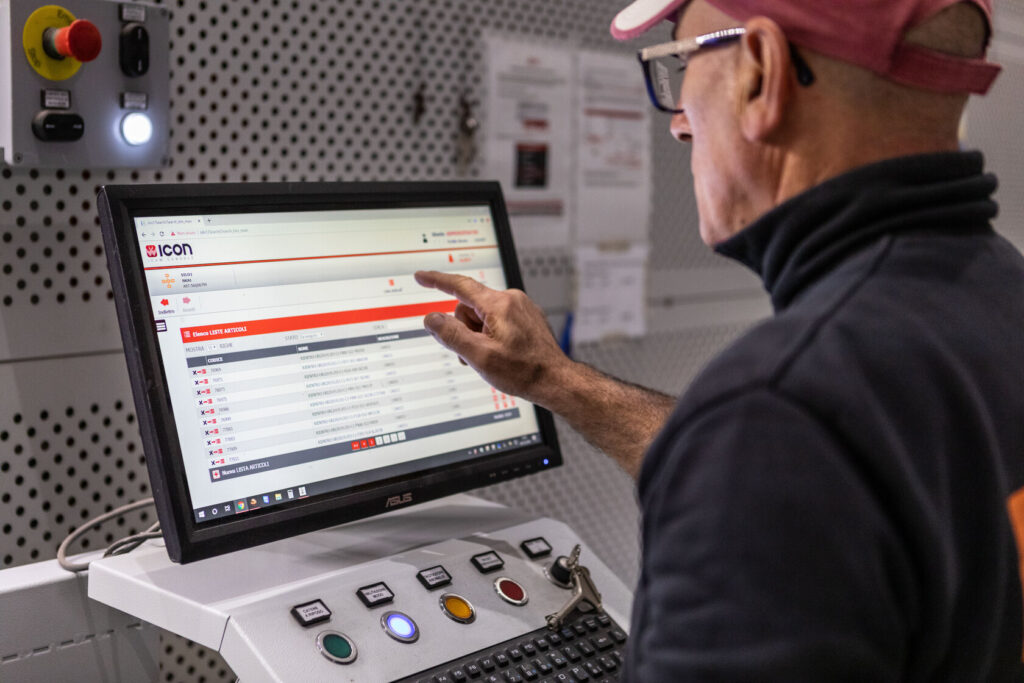
ICON, the management software for ICAM automated storage systems
ICON is ICAM’s proprietary software for managing, monitoring and controlling every automated storage system in the range in real time.
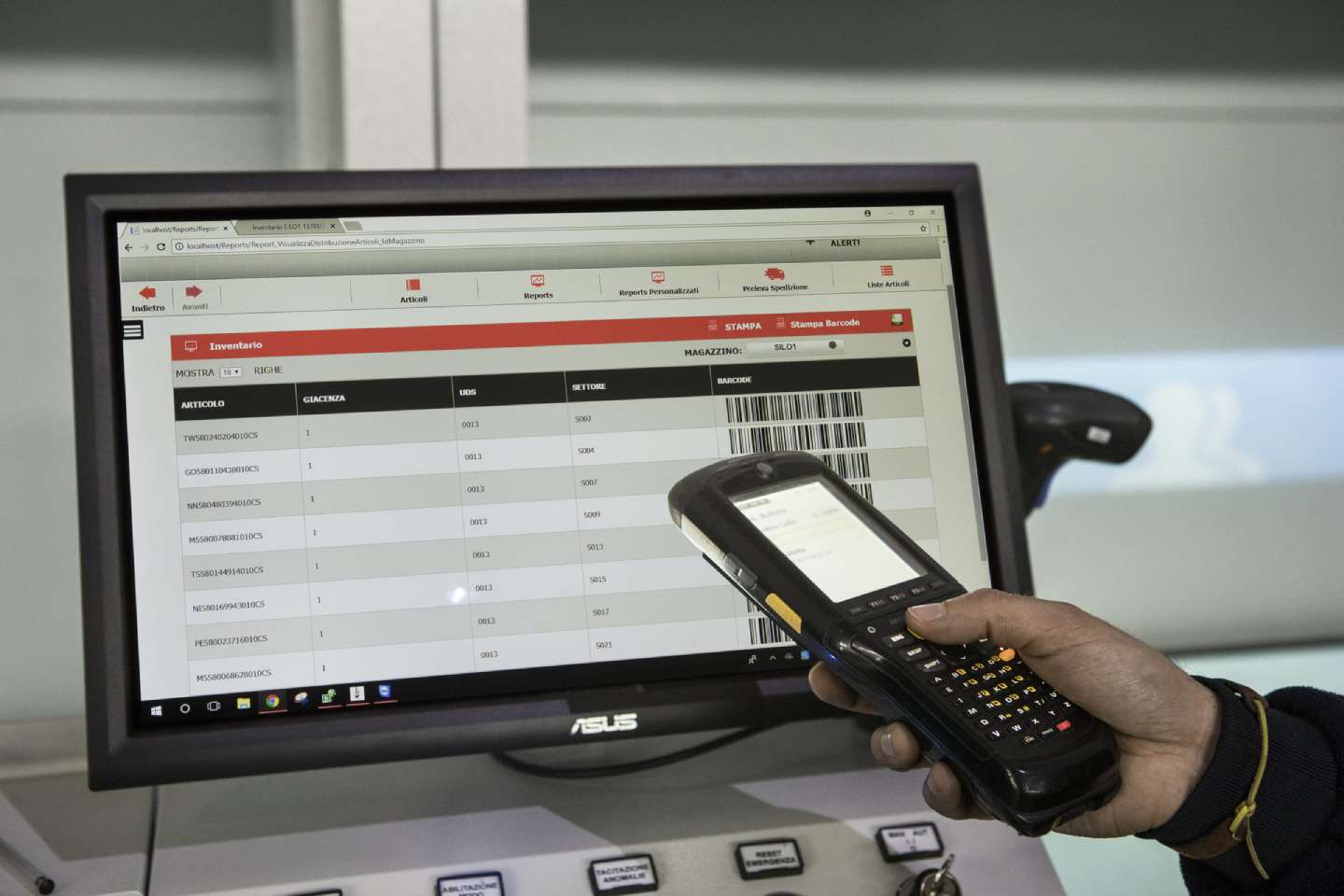
Automated warehouse software and integrated WMS
Implementing automated warehouse software and a Warehouse Management System (WMS) is a critical step in optimizing warehouse operations. A WMS provides a comprehensive range of functionalities to enhance efficiency and accuracy
ABC Classification in ICON: what changes between trays and items
Two levels of storage location optimization for different warehouse requirements.